WordPress Website Cost: 6 Essential Factors (and Mistakes to Avoid)
The WordPress website cost depends on a handful of things you control, not on a secret formula. If you are planning a site, knowing these factors before you talk to a developer is the fastest way to get an honest, accurate quote.
This guide explains what moves the WordPress website cost, what is optional, and how to brief a developer so nothing surprises you later.
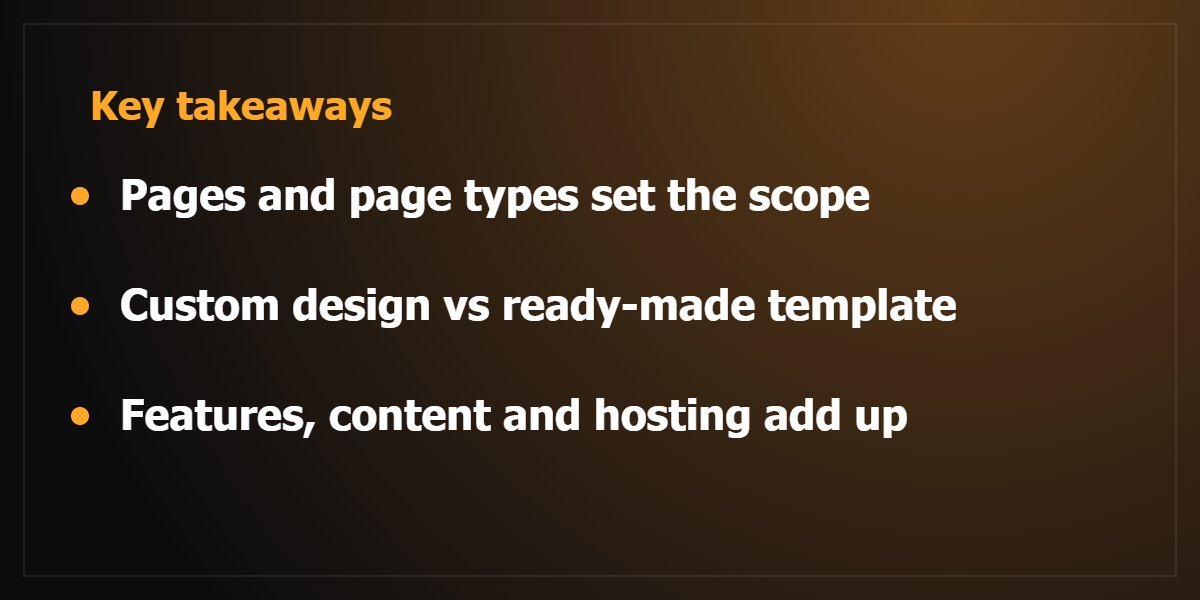
1. How many pages and page types you need
A five-page company site is a very different job from a site with dozens of service pages, a blog and landing pages.
Each unique layout has to be designed, built and tested on mobile. List your pages first, and group the ones that can share a layout.
2. Custom design or a ready-made template
A template gets you online faster, but it looks like many other sites and often carries code you will never use.
A custom design built around your brand takes more time, and it is the part visitors remember. Decide how much your brand identity matters to your sales. See examples in my portfolio.
3. Features beyond pages
Booking forms, a bilingual Arabic and English site, a members area, payment gateways, a product catalogue or an online store each add work.
An online store needs product pages, checkout, shipping rules and payment setup, so it sits in a different bracket from a brochure site. If a store is your goal, read Shopify vs WooCommerce first.
4. Content: who writes it and who supplies images
If you already have text and photos, the project moves quickly. If the developer has to wait for content, or help write it, both the timeline and the WordPress website cost grow.
Good content is also what search engines read, so it is worth doing properly.
5. Speed and SEO setup
A fast site with clean structure, proper headings, meta data and a sitemap is built differently from one that only looks nice.
Ask whether performance work and basic technical SEO are included, because fixing them later costs more. Google’s own SEO starter guide lists the basics, and PageSpeed Insights shows how your pages perform on mobile.
6. Hosting, domain and ongoing care
The build is a one-time cost. Hosting, the domain, updates, backups and security are ongoing, so ask who will look after the site after launch.
How to brief a developer and get an accurate quote
- Send your page list and two or three sites you like as references.
- Say whether you need Arabic, English or both.
- List the features you need on day one and the ones that can wait.
- Tell the developer your launch date and who supplies the content.
- Ask what is included after launch: fixes, training and support.
Common mistakes that raise the price
Changing the page list halfway through is the most common one. Adding features after the design is approved is the second.
Agree the scope in writing, keep a short list of “later” features, and move them to a second phase instead of squeezing them in.
What to do next
With a page list, a feature list and a launch date, any developer can scope your WordPress website cost properly instead of guessing. That is how I work with every client: you describe the project, and I reply with a clear plan and a custom quote.
See the services I offer or tell me about your project.
Frequently asked questions about WordPress website cost
Is a WordPress site cheaper than a custom-coded site?
Often it is faster to build, because WordPress already provides the admin area, user roles and a large plugin ecosystem. But a heavily customised WordPress site can need as much design and development work as any other, so scope matters more than the platform.
Do I pay for WordPress itself?
WordPress software is free. You pay for hosting, a domain, any premium theme or plugin licences, and the work of building and maintaining the site.
How long does a typical build take?
It depends on the number of pages, the features and how quickly content and feedback arrive. A clear brief and ready content are the two things that shorten a project most.
Can I add pages and features later?
Yes. A well-built site is easy to extend, which is why it helps to launch the essentials first and plan the rest as a second phase.