Online Store SEO: The Ultimate 7-Step Checklist for Better Rankings
Online store SEO is mostly about fixing a short list of technical and content problems, not about doing more of everything. Most stores lose search traffic to avoidable issues, and this checklist is the one I go through when I look at a store for the first time.
1. Make the structure simple
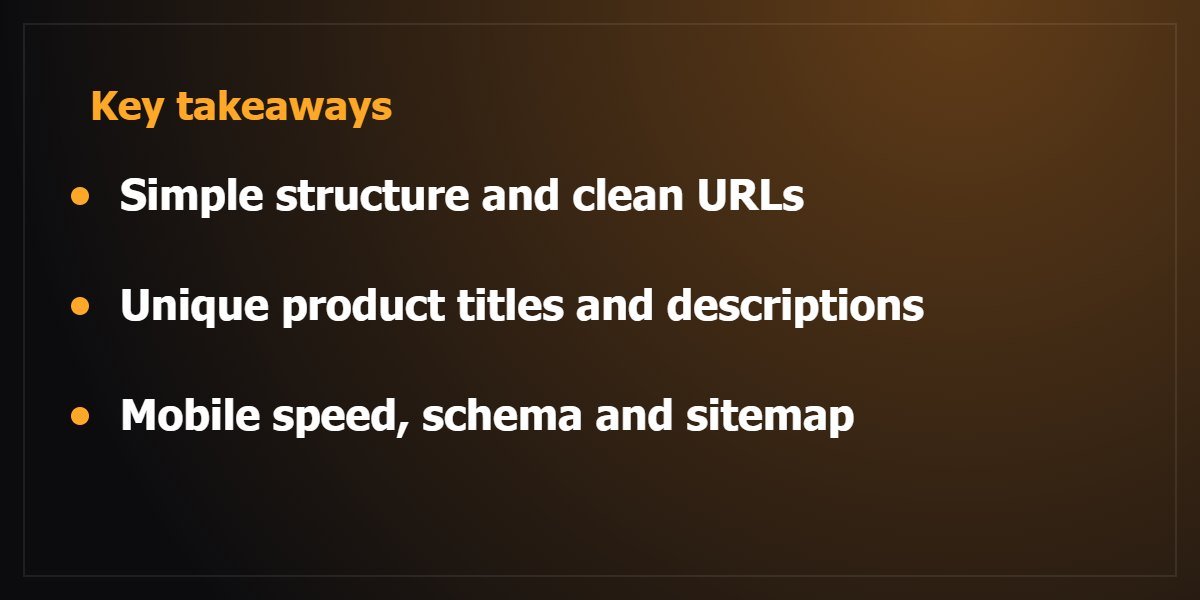
- Keep important products and categories within three clicks of the home page.
- Use clean, readable URLs such as /category/product-name.
- Link related products and categories to each other.
2. Write product pages that answer questions
- Give each product a unique title and description. Copying the supplier text means many other stores say the same thing.
- Put the product name and the main term people search for in the title and the first heading.
- Show specifications, sizes, shipping and returns where buyers can see them.
3. Fix duplicate content from filters and variations
Colour, size and sorting filters can create many URLs for the same product.
Use canonical tags so search engines know which page is the main one, and keep thin filter pages out of the index. Google explains the idea in its guide to duplicate URLs.
4. Speed on mobile
Most store visits come from phones. Compress product images, use modern formats, limit heavy plugins and test the key pages in PageSpeed Insights.
A slow checkout loses sales as well as rankings.
5. Structured data for products
Product schema (name, image, price, availability) helps search engines understand each product and can make results more informative.
Rank Math or your store plugin can add it, but always test the output. Google documents the fields in its product structured data guide.
6. Sitemap, Search Console and indexing
- Submit your sitemap in Google Search Console.
- Check the Pages report for products that are not indexed and read the reason.
- Redirect deleted products to a relevant category instead of leaving a dead end.
7. Content around the store
Buying guides and comparison articles answer the questions people ask before they are ready to buy, and they link naturally to your products.
This is usually where a store starts to win searches that are not about its own brand name. A good example is the question of platform: Shopify vs WooCommerce.
Your first month of online store SEO
- Week 1: submit the sitemap and check indexing.
- Week 2: rewrite titles and descriptions of your best-selling products.
- Week 3: fix mobile speed on the home page and product pages.
- Week 4: publish one buying guide and link it to the products it mentions.
Small, steady changes beat a big one-off rewrite, and you can measure each one in Search Console.
If you want someone to audit and set this up, see my SEO and development services, check the cost factors for a WordPress site, or get in touch.
Frequently asked questions about online store SEO
How long does online store SEO take to show results?
Search engines need time to crawl and reassess changes, and results depend on competition and how much was broken before. Track indexing and impressions in Search Console so you can see progress before traffic moves.
Do I need a blog for my store?
It is not required, but buying guides and comparisons capture people who are still choosing. They also give you pages that can rank for searches that are not about your brand name.
Should I noindex filter pages?
Thin or near-duplicate filter pages usually should not be indexed, while a few valuable category combinations might deserve their own page. Decide case by case and use canonical tags to point to the main version.
Is page speed really part of SEO?
Speed affects user experience, and a slow store loses buyers whatever its rankings. Treat it as both a conversion and an SEO task, starting with images and heavy plugins.